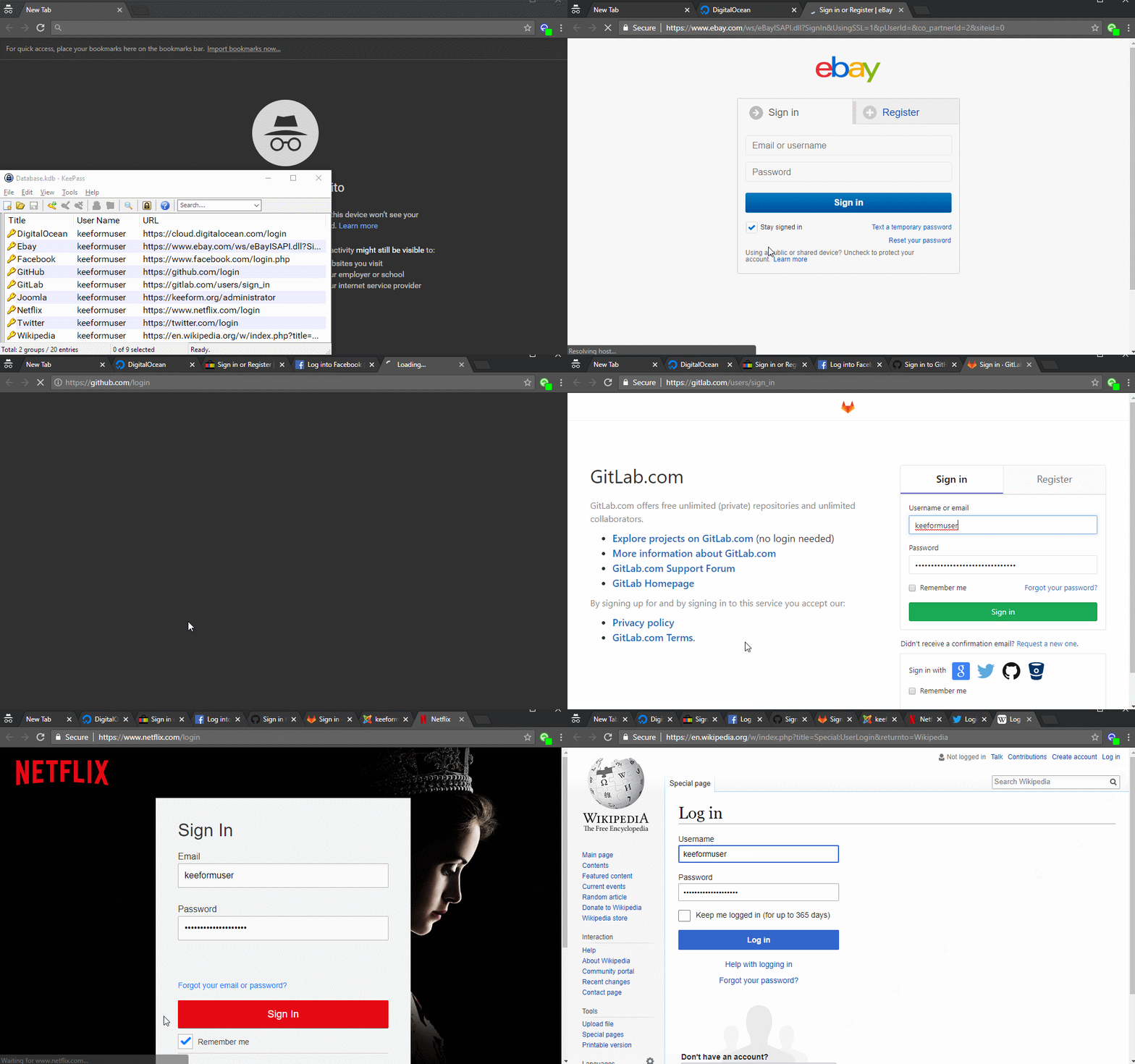
KeeForm is a popular extension for KeePass that can open websites and automatically fill in your username and password.
In KeePass, you can double-click an entry’s URL to open a website. Once the page loads, you can trigger an AutoType sequence using a keyboard shortcut to enter your credentials.
But wouldn’t it be easier if KeePass filled in that information automatically?
That’s exactly what KeeForm does - it automates the entire login process for you.
KeeForm remembers nothing about the sites you visit. No form data to manage or back up — just a simple, 98% effective algorithm that finds login fields and fills them.
Safe
KeeForm never has access to your KeePass database. It receives only the URL, username and password for the entry you activate — nothing more.
Open Source
KeeForm has been around since 2005. The source code is available on GitHub under the GNU General Public License.
Free
KeeForm is free and always will be. No ads, no adware, no subscription — ever.